
When can I Register for Classes?
The earliest date and time that a student can register for classes is called your Registration Appointment.
Registration Appointment
Registration Appointments appear in MyECC the week before registration starts.
Follow these instructions to view your Registration Appointment.
- Sign into MyECC
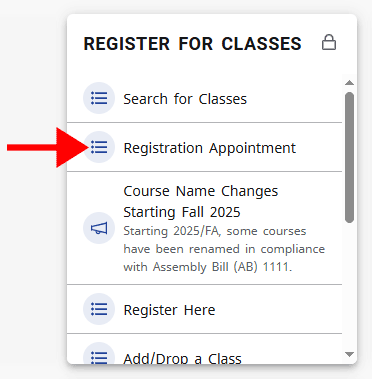
- On the REGISTER FOR CLASSES card, click Registration Appointment
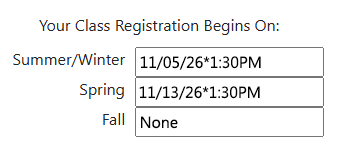
- You will see the earliest date & time that you are eligible to register for classes
by term
DualEnroll
High school students use DualEnroll to select and be approved for classes each term.
Students who select classes in DualEnroll and are approved by their high school before their Registration Appointment will display a status of "College: Hold Until Registration Date(s)"
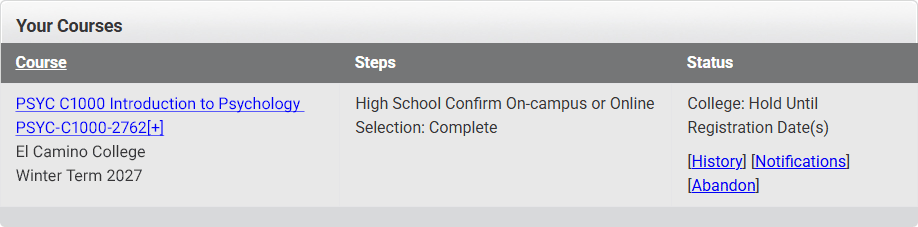
DualEnroll will attempt to register you for this class shortly after your Registration Appointment date & time.
- If registration is successful, your status will change to "Complete"
- If for any reason your registration could not be completed (class is full, or has a prerequisite which you have not cleared or started), you will see a different step in DualEnroll